

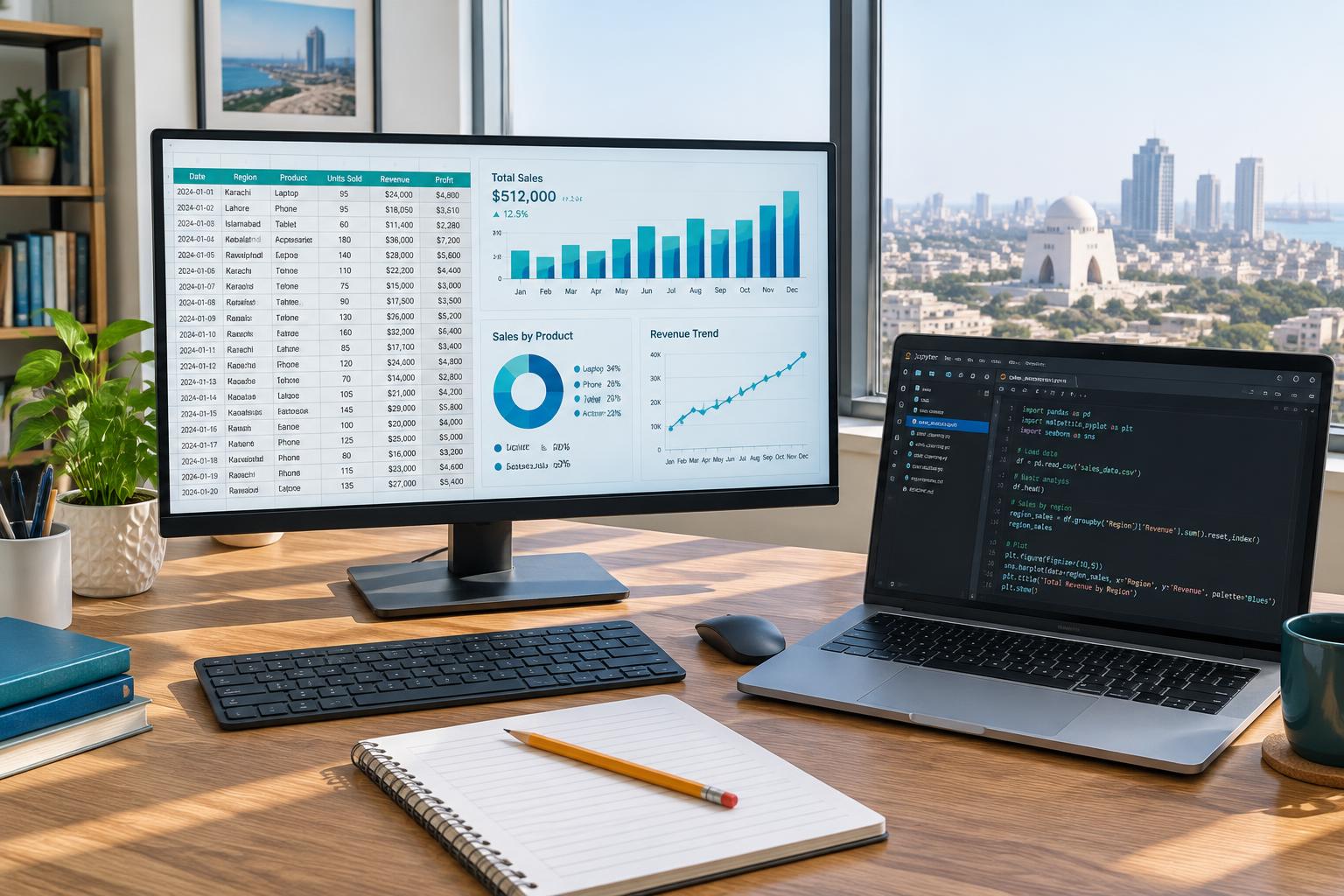
Name the decision and the user
A dashboard should help a particular person decide or investigate something at a particular frequency. A daily operations lead and a quarterly strategy reviewer need different levels of detail. Write a one-sentence purpose before selecting charts. If you cannot identify an action or question, you may need an exploratory analysis rather than a permanent dashboard.
For a portfolio exercise, choose a synthetic delivery operation. The daily user needs to identify delayed shipments requiring attention, not merely admire a monthly success rate. This purpose suggests an exception list, freshness information, and drill-through detail alongside a small number of summary measures.
Specify the measures before arranging cards
Define each measure's grain, time basis, exclusions, and denominator. On-time delivery may refer to orders, packages, or attempted deliveries. Show what happens to cancelled orders and deliveries without a promised date. Do not let a chart title stand in for a metric definition.
Create a small hand-checkable dataset and calculate the measure manually. Then test filters and date selections against that expected result. A dashboard that changes the denominator unintentionally can remain visually polished while misleading every user. Treat measure validation as part of design, not as a separate technical task after the layout is finished.
Use visual encodings that match the question
Use a line for change across time, a sorted bar chart for category comparison, and a table when users need exact record-level action. Avoid decorative variety that forces users to learn a new visual grammar for each metric. Label units, periods, and comparison baselines explicitly.
A large percentage card should have enough context to be interpretable: the period, denominator, and comparison basis. If a target is shown, state who set it and why it applies. Do not add a red status merely because a number fell relative to last month when the business has no agreed threshold for concern.
Design navigation and filters deliberately
Group related controls and make the active filter state visible. Choose defaults that match the most common task, not defaults that make the result look strongest. Ensure a user can reset the view and understand whether a selection affects all visuals or only some.
For an exercise, select one region and then a single delayed shipment. Observe whether every displayed measure still makes sense. A company-wide target beside a narrowly filtered result may need a clear explanation. Test empty states and unavailable periods so the interface does not confuse no data with zero activity or successful performance.

Make accessibility and freshness visible
Do not rely on colour alone to communicate status. Use text labels, symbols with explanations, adequate contrast, and meaningful titles. Check reading order and keyboard interaction where the platform supports them. Microsoft's Power BI accessibility guidance and W3C guidance provide useful design checks rather than a guarantee that a report is accessible by default.
Display the data refresh time and coverage period. If a feed fails, show a warning rather than letting a stale dashboard appear current. For restricted or sensitive data, apply actual access controls; hiding a visual or changing its colour is not a security mechanism.
Evaluate the dashboard with realistic tasks
Ask a representative user to identify the most urgent delayed shipment, explain the overall rate, and find the underlying definition. Observe where they hesitate. Do not begin by teaching them where everything is; that can conceal navigation problems. Record task completion and misunderstandings rather than relying only on whether the user likes the appearance.
Revise the smallest set of issues that materially affect interpretation. Remove visuals that do not support a decision and add detail only where it resolves a real question. Publish a metric dictionary and ownership contact with the report. Good dashboard design reduces uncertainty and effort without hiding limitations behind a confident visual style.
Sources & further reading
Last editorial review: 27 October 2026. Examples are educational, not live employer data or guaranteed outcomes.